Start with your own priorities
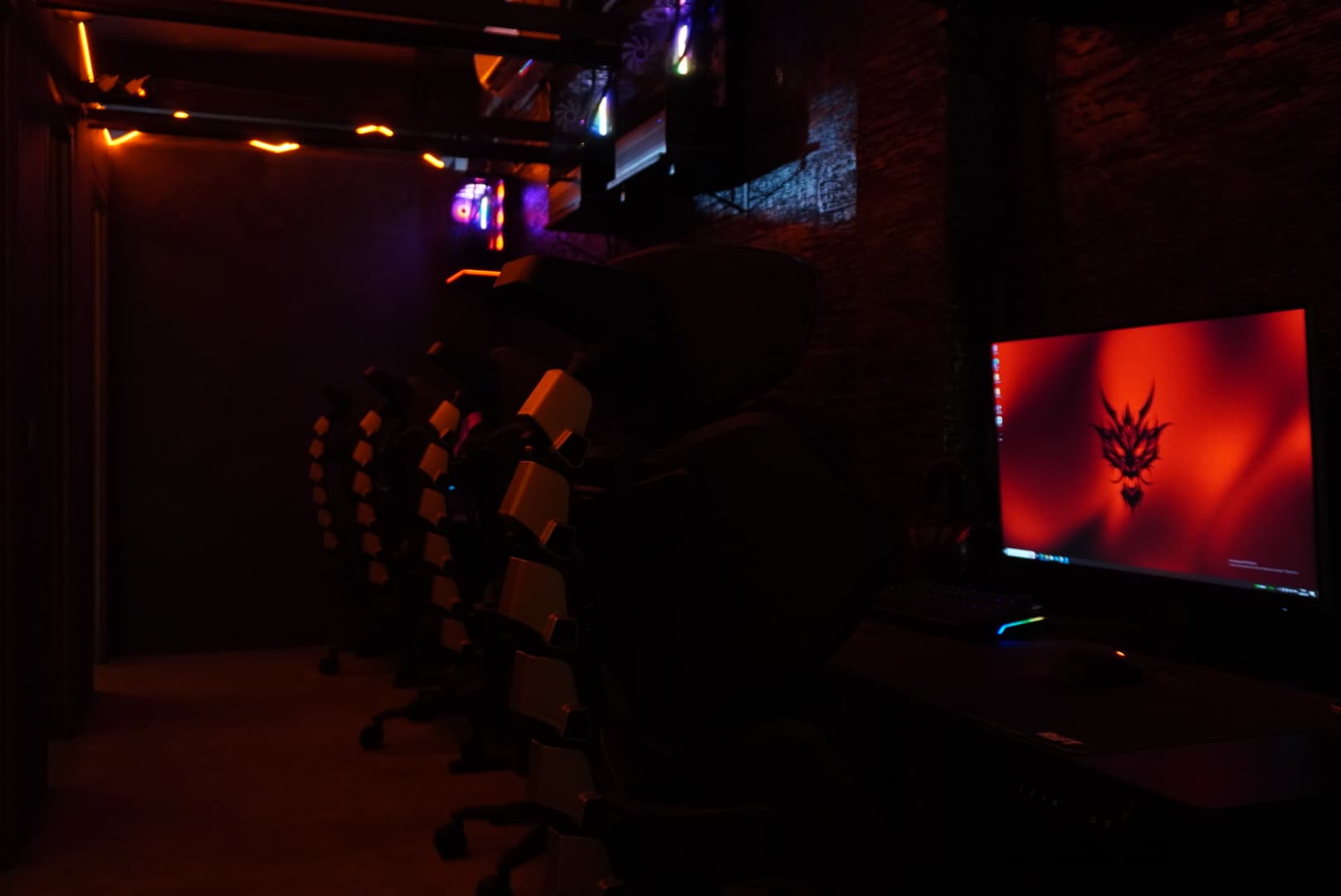
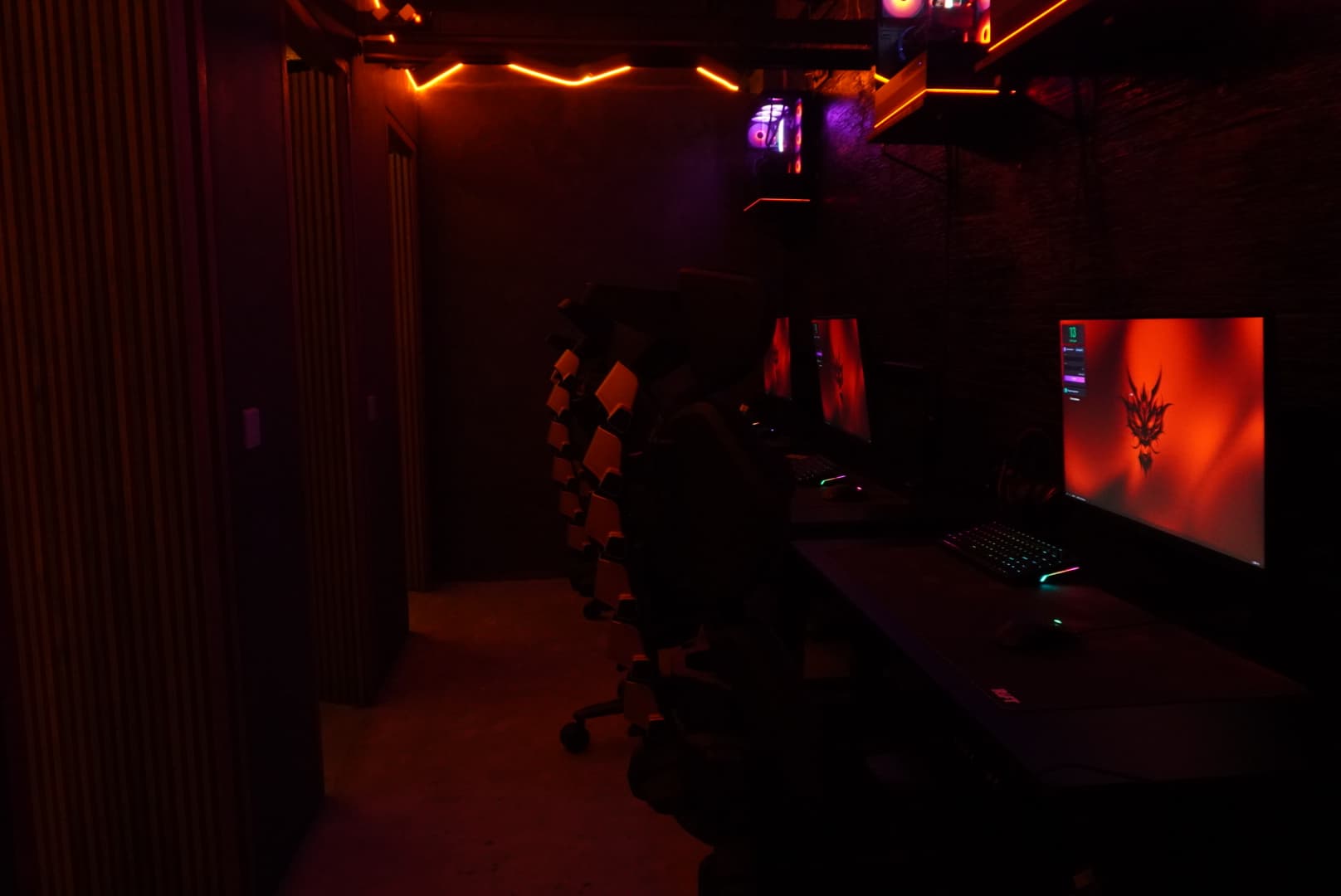
Choosing a PC gaming zone is easier when you know your preferences. One player cares most about a familiar mouse shape, another about the display, and someone else about a keyboard or sitting beside friends. RIFT has Basic, Cage and VIP, but a category name cannot explain the whole experience. Compare the equipment first, then the price for your visit, and check availability with the team. A free-hour registration does not reserve a seat in a particular zone or confirm a booking.
Basic: look at the complete setup
Basic lists an Intel Core i5-14400F, an MSI RTX 5070 graphics card and an MSI MAG 274QF 2K 240 Hz monitor. Its peripherals are a HyperX Alloy Origins keyboard, HyperX Pulsefire Saga Black mouse and HyperX Cloud III headset, alongside a Cougar Armor EVO Royal chair. These details describe the equipment, not a guaranteed frame rate in a game. For a first visit, check the mouse fit, screen position and seating comfort. Choose a session length that fits your plans rather than automatically selecting the longest package.
Cage: compare the processor and peripherals
For Cage, the owner specifies an AMD Ryzen 5 9600X AM5 processor, RTX 5070 graphics and an MSI B650M-A PRO motherboard. The setup includes a HyperX Alloy RISE 75 keyboard, HyperX PulseFire Haste 2 mouse and HyperX Cloud III Signature Comfort headset, with an MSI MAG 274QF 2K 240 Hz monitor. Compared with Basic, the processor, keyboard and mouse change. Take a moment to adjust sensitivity and key bindings instead of assuming the setup will feel identical. Ask the team if any device behaves unexpectedly.
VIP: an OLED display and different peripherals
VIP stands out through its AOC OLED Q27G4ZD QHD 240 Hz display. The listed peripherals are a Logitech G PRO X TKL RAPID keyboard, Logitech G PRO Superlight 2 mouse and HyperX Cloud Alpha headset. Consider how the image, mouse shape and keyboard arrangement feel to you. The confirmed equipment information does not specify VIP’s processor or graphics card, so a performance ranking would be misleading. If those components determine your choice, ask the team for the current configuration and seat availability before paying.
Match comfort to your actual budget
After comparing the devices, check the pricing window, guest category and package. Locals and expats rates differ, and the team can explain which category applies. Published amounts exclude 11% tax and a 5% service charge, so confirm the final bill rather than treating the zone card as an all-inclusive price. Groups should also check whether seats together are available. Choose the setup that suits your comfort and plans. On another visit, you can try a different zone and compare your own experience.