Start with the session you want
A visit to a PC gaming club in Bali starts with a simple question: do you want to try a different setup, play a few matches or spend an evening with friends? Your answer helps you choose a zone and a session length. RIFT is in the Bukit Nusa Dua area. Before leaving, open the club’s map listing and check the route from where you are staying. Confirm current opening hours and seat availability, especially for a group visit or a late arrival.
Choose a zone by its setup
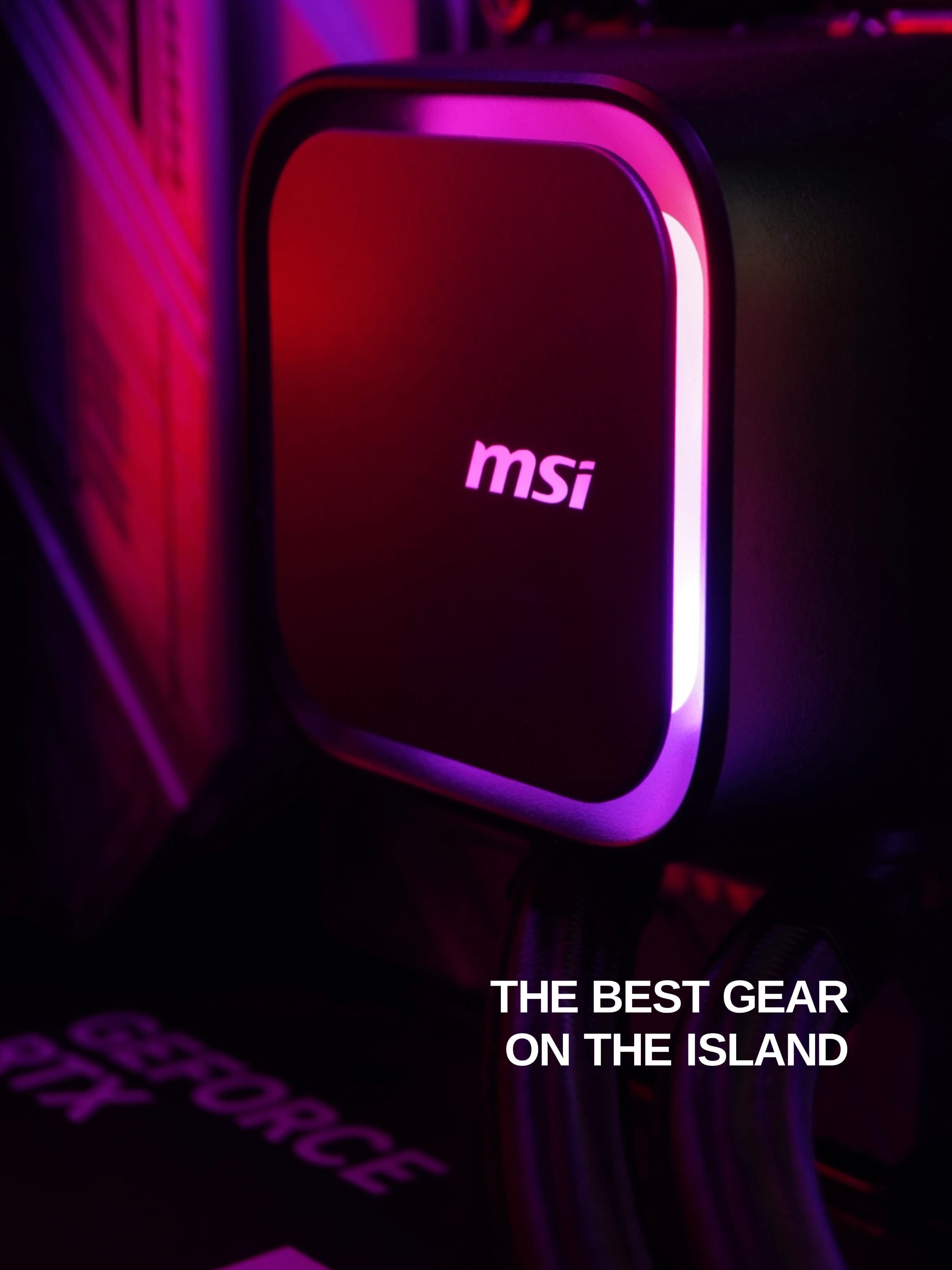
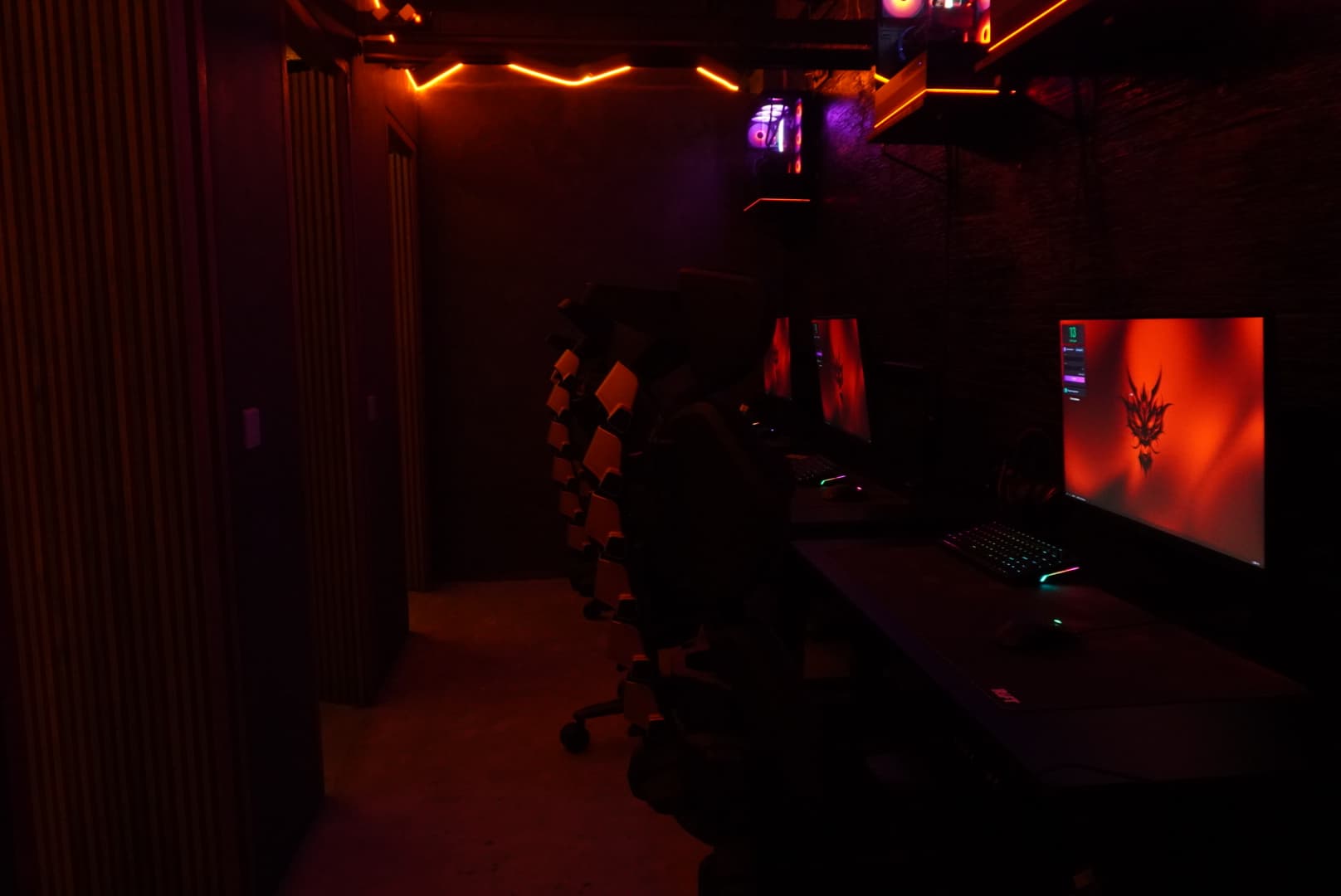
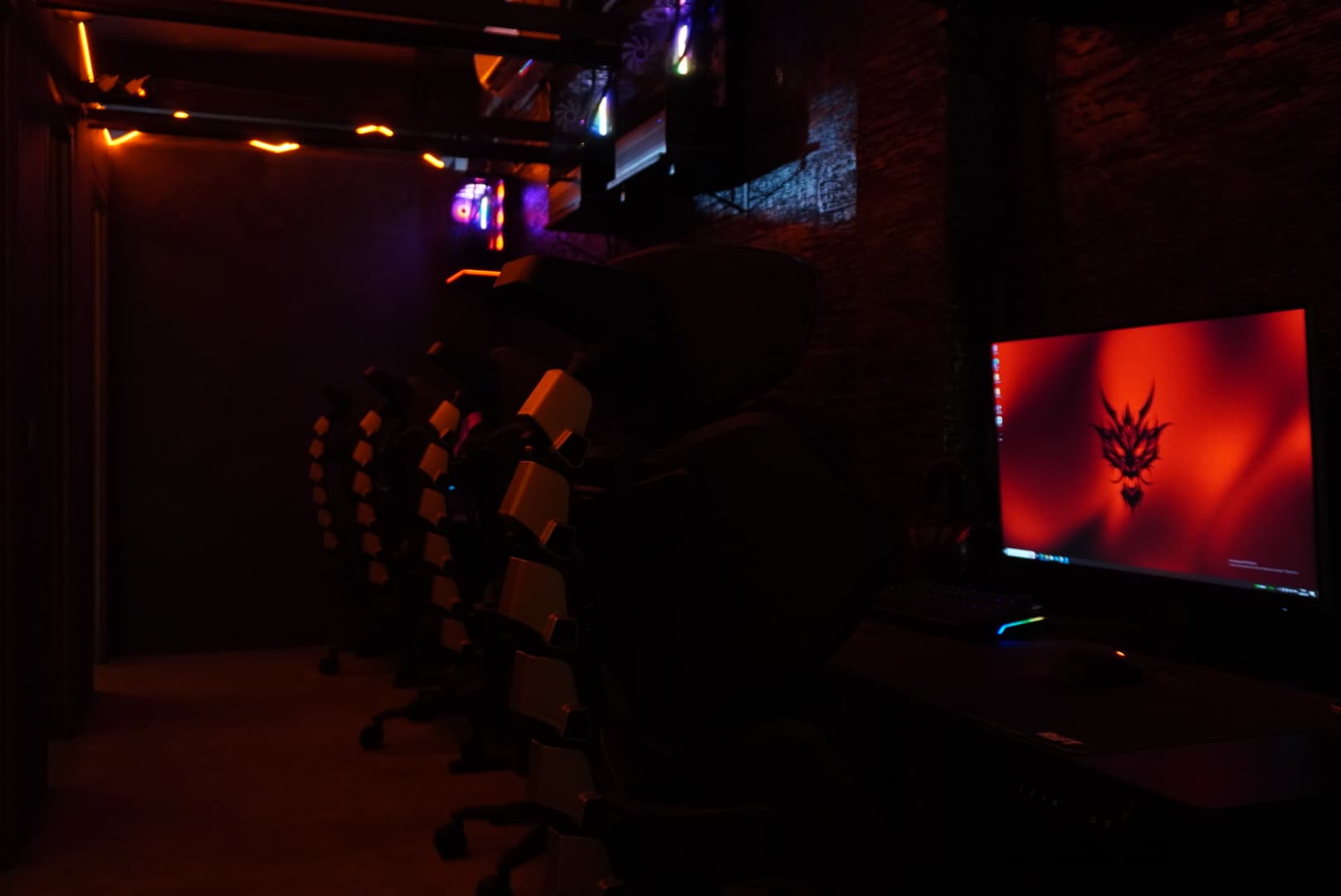
RIFT offers Basic, Cage and VIP zones. Compare the equipment rather than relying on the names: the monitor, keyboard, mouse and headset will shape your whole session. Basic and Cage list MSI MAG 274QF 2K 240 Hz monitors, while VIP lists an AOC OLED Q27G4ZD QHD 240 Hz display. The peripherals also differ. Tell the team what matters to you, whether that is mouse shape, keyboard layout or the display. A higher-priced zone still needs to feel comfortable for your preferences.
Understand the package before playing
The price list separates the day period, 12:00–18:00, from the night period, 18:00–04:00, and has locals and expats categories. These are pricing windows, so check how your chosen package works if a session crosses 18:00. Ask which category applies to you and whether unused time has any conditions. Published prices exclude 11% tax and a 5% service charge. Confirm the final amount with the team because the supplied price list does not explain how the two charges are calculated together.
Claim your new guest’s free hour
New guests can submit their name and phone number through the free-hour form. The offer is available once per new guest, with the phone number used to identify a unique registration. Eligibility is checked at the club. Enter your own active number with its country code so your registration can be found correctly. Submitting the form does not reserve a computer or confirm a time slot. Before travelling specifically for the offer, ask how it can be used with your intended zone or package.
Prepare your account and finish carefully
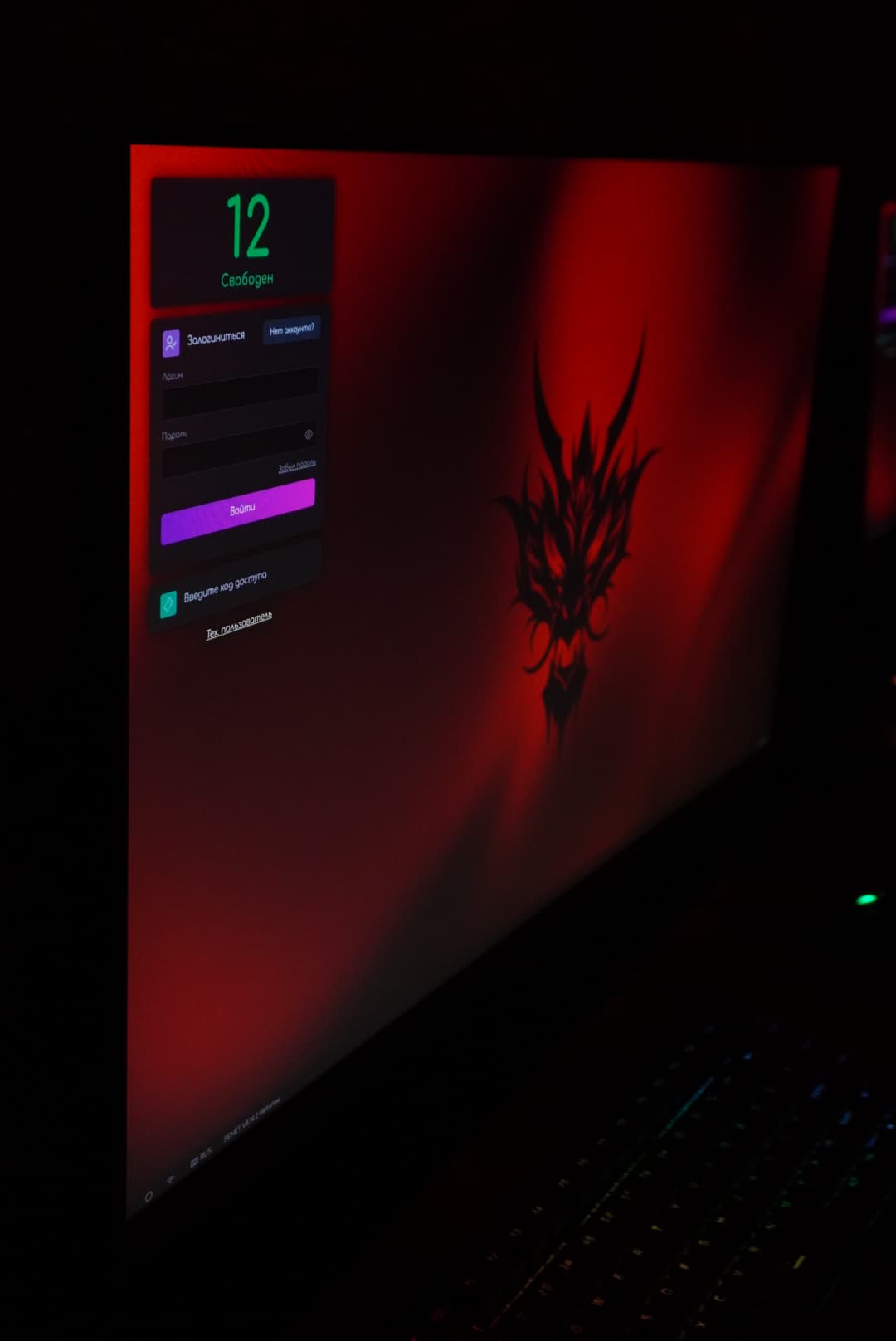
Before your visit, check that you can access your account email and two-factor authentication method. Ask about the game you want and your account’s compatibility; do not assume every title is installed at every station. Once seated, adjust your chair, volume and mouse sensitivity before starting a match. When you finish, sign out of game launchers, browsers and other apps, remove personal downloads and check that passwords were not saved. Allow a few minutes for this instead of leaving immediately after the final match.